How to Pay Sui Gas Bill Online (JazzCash, EasyPaisa)
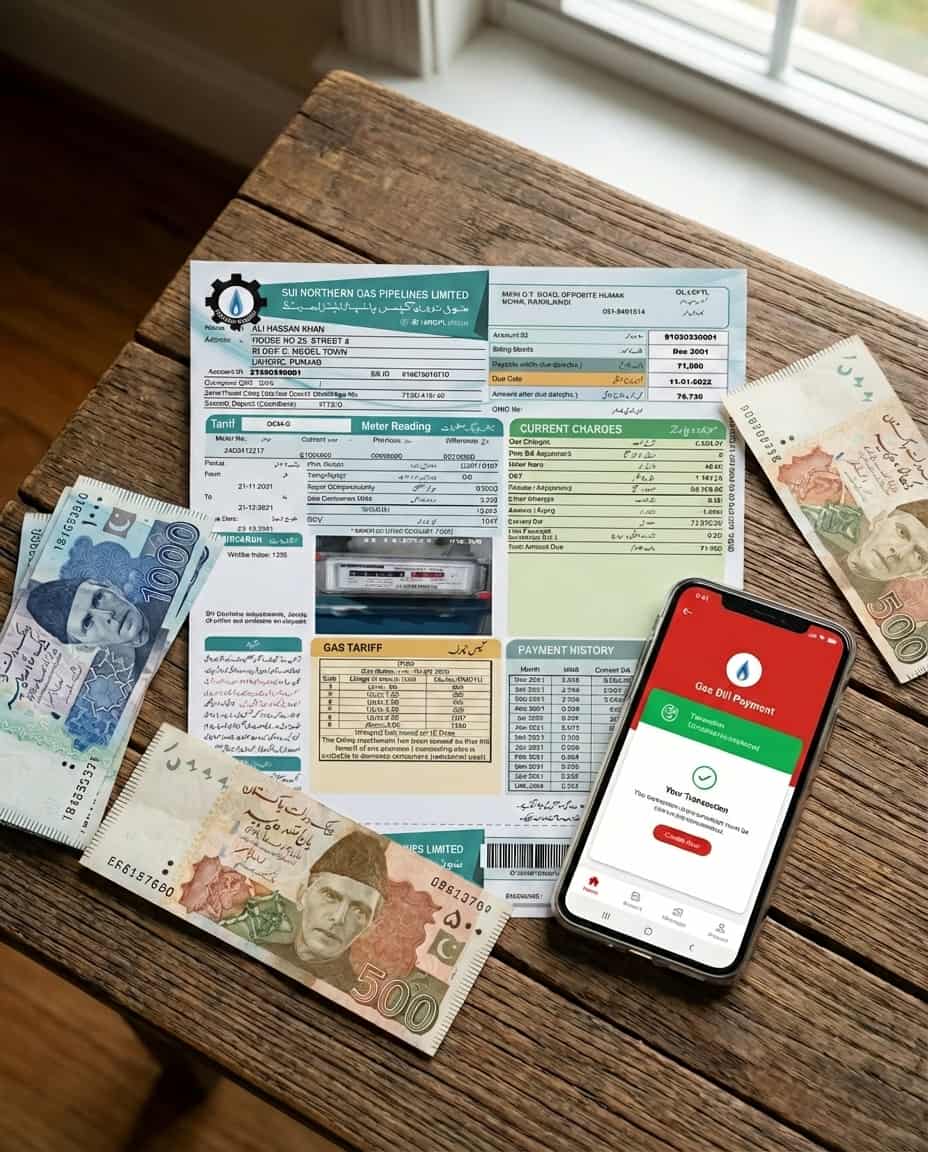
Tired of standing in long bank queues? You can pay your **SNGPL** and **SSGC** bills instantly using mobile wallets like **JazzCash** and **EasyPaisa**, or any banking app. Here is the complete 2026 guide.
1. Pay via JazzCash App
JazzCash is one of the most popular methods for utility bill payments in Pakistan.
- Open the **JazzCash App** and log in.
- Tap on the **"Utility Bills"** icon.
- Select **"Gas"** from the bill type menu.
- Choose your provider: **SNGPL** (North) or **SSGC** (South).
- Enter your **Consumer Number** (scanned from old bill) and tap "Fetch Bill".
- Review the amount and due date, then enter your MPIN to confirm payment.
- You will receive a confirmation SMS instantly.
2. Pay via EasyPaisa App
EasyPaisa offers a similar seamless experience for gas bill payments.
- Launch the **EasyPaisa App**.
- Select **"Bill Payment"**.
- Choose **"Gas"**.
- Select **Sui Northern (SNGPL)** or **Sui Southern (SSGC)**.
- Enter your Consumer Number/Account ID.
- Tap "Next" to see the bill status (Paid/Unpaid).
- Click "Pay Now" to clear your dues instantly.
3. Internet & Mobile Banking
Almost all Pakistani banks (HBL, UBL, MCB, Meezan, Alfalah) support gas bill payments.
- Login: Access your bank’s mobile app or web portal.
- Navigate: Go to "Bill Payments" > "Utility" > "Gas".
- Add Biller: Select SNGPL or SSGC and enter your Consumer Number.
- Pay: Verify the details and proceed with the transaction.
Avoid Late Fees!
Online payments are processed instantly. Make sure to pay before 11:59 PM on the due date to avoid the late payment surcharge. If your payment is deducted but not updated within 24 hours, you can contact the official SNGPL/SSGC helplines with your transaction ID.
Frequently Asked Questions
Is there a fee for paying online?
Generally, no. Most banking apps and mobile wallets do not charge extra fees for utility bill payments. However, check your specific app for any transaction limits.
How long does it take for the payment to update?
Payments made via JazzCash, EasyPaisa, or 1Link banking apps are typically updated in the gas company's system within 24 hours. Keep the transaction ID as proof.
How to check if gas bill is paid or not?
If you paid via JazzCash, EasyPaisa, or your bank, the easiest way to check is to open the same app, navigate to Gas Payments, and enter your Consumer Number again. If the system says "Bill Already Paid" or shows a payable amount of Rs. 0, your payment was successful. Remember, the official SNGPL/SSGC website might take a few days to reflect the updated status.